Booking More Clients Without the Back-and-Forth: Tools That Help
Booking clients should not be a burden with the correct tool

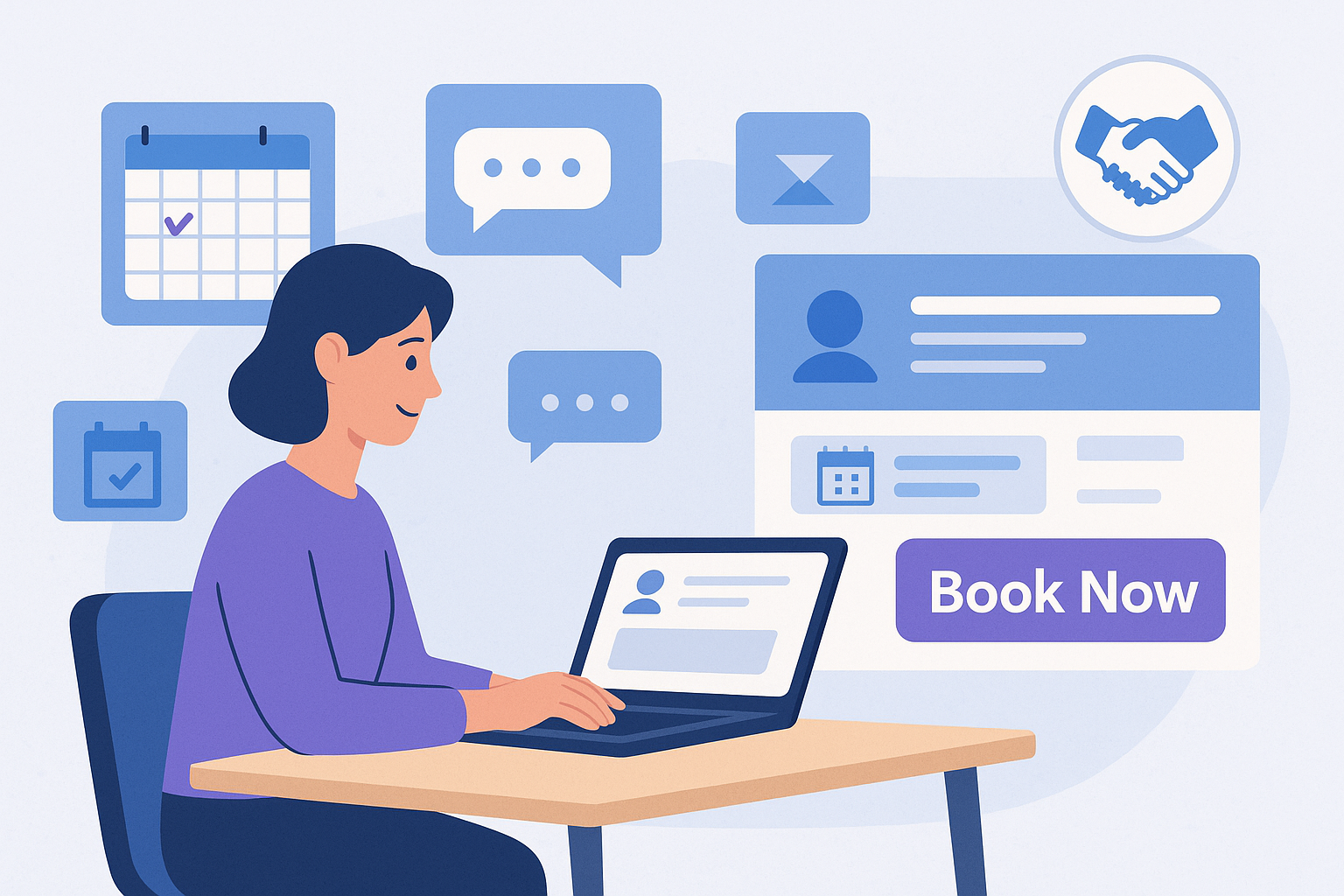


If you’re running a service-based business or freelancing, you already know the pain:
- Endless DMs asking, “Are you free on Thursday?”
- Email threads 15 messages long just to confirm a time
- No-shows because someone “thought it was tomorrow”
- Clients dropping off simply because booking you felt like work
The truth is simple: every extra message, every extra form, and every extra step costs you bookings.
The good news? You don’t need a bigger team to fix it. You need better tools.
In this article, we’ll look at how to:
- Eliminate the back-and-forth in scheduling
- Make it incredibly easy for clients to book you
- Reduce no-shows and last-minute cancellations
- Get paid faster and more reliably
…all by using the right combination of online booking tools, scheduling software, and automation.
Why the Back-and-Forth Is Quietly Killing Your Bookings
Before we talk tools, let’s talk psychology.
When someone is interested in working with you, their motivation is highest at the moment they decide: “Yes, I want to book this person.”
If your process then looks like this:
- Fill out a generic contact form
- Wait for an email response
- Send more details
- Check calendars
- Propose times
- Confirm one
- Ask about payment
- Send an invoice
- Wait for payment
…you’re asking that person to run a mini-marathon just to give you money.
Modern clients are used to one-click purchases. If working with you feels slower than ordering food or booking a ride, they’ll often:
- Leave it for “later”
- Get distracted
- Or book someone with a smoother process
The fix? Create a straight line from interest to booking. That’s where the right tools come in.
The Core Idea: Turn “Can We Talk?” Into “Pick a Time”
Your tech stack doesn’t have to be complicated. At minimum, you want:
- A booking page where clients can choose a service and time
- Automatic calendar sync so you never double-book
- Automated reminders to cut down on no-shows
- Integrated payments so you don’t chase invoices later
When all of that is in place, your process becomes:
Client sees your content → clicks your booking link → chooses a time → pays (if required) → both get confirmations.
No DMs. No spreadsheets. No “does 15:00 work?” chains.
Let’s break down the types of tools that make this work.
1. Online Scheduling Tools: Your 24/7 Receptionist
Online scheduling software is the backbone of a no-back-and-forth booking system.
Look for features like:
- Real-time availability – Clients only see open slots.
- Time zone awareness – Essential if you work with international clients.
- Buffer times – To avoid being booked back-to-back without breaks.
- Service-specific durations – A 30-minute discovery call vs a 90-minute session.
- Custom intake questions – So you get the info you need before the meeting.
Instead of sending “What time works for you?”, you simply send: “You can book a time that suits you here: yourbookinglink.”
Clients feel in control, and you stay out of calendar chaos.
2. Calendar Sync: One Source of Truth for Your Time
If you’re still manually checking Google Calendar while replying to messages, you’re playing on hard mode.
Your booking tool should:
- Sync with your main calendar (Google, Outlook, Apple, etc.)
- Block off time that’s already busy
- Add new bookings to your calendar automatically
This ensures:
- No double booking
- You see all your commitments in one place
- You never forget a session because you missed a notification
Think of your calendar as your single source of truth. Everything else should plug into it.
3. Automated Reminders: Fewer No-Shows, Less Manual Work
Most no-shows aren’t malicious. People forget. Life happens. The trick is to build remembering into the system.
Good booking tools allow you to send:
- Confirmation emails/messages immediately after booking
- Reminder messages 24 hours and 1–2 hours before the session
- Follow-up messages after the session (for feedback, upsells, or links)
Reminders can go out via:
- SMS
- WhatsApp or other messaging channels (depending on the platform)
Once you set the templates, they run automatically. No manual “Just checking if we’re still on for tomorrow?” messages.
4. Integrated Payments: Get Paid Before the Session
A huge source of friction is money. If you invoice by hand, or only accept cash/bank transfer, you’re adding friction after someone has already said “yes.”
Modern clients expect:
- Card payments
- Online wallets
- Clear pricing before they book
When your booking system includes payments, the flow becomes:
- Client chooses a service
- Sees the price upfront
- Pays at checkout
- Receives confirmation & receipt
Benefits:
- You reduce last-minute cancellations (“I’ll pay later”)
- You stabilize your cash flow
- You look much more professional and trustworthy
If you want to go further, you can:
- Take a deposit upfront and collect the rest later
- Offer packages or recurring sessions
- Use discount codes for campaigns
5. Client Portals & Data Collection
As you scale, you need more than just booking and payments. You want a lightweight client portal where:
- Clients can see upcoming bookings
- You can share notes, files, or follow-up resources
- You don’t lose important details in email threads
A good tool lets you:
- Attach forms to bookings (intake forms, questionnaires)
- Store client information in one place
- Keep communication tied to specific sessions
This is especially powerful for freelancers, coaches, consultants, and service providers who:
- Need context before each session
- Work with recurring clients
- Offer multiple services or tiers
6. Connecting Your Booking System to Social Media
Your clients spend a lot of time on social platforms. That’s where they discover you, get a feel for your brand, and decide whether to work with you.
If your social media is active but your booking process still lives in email, you’re leaving money on the table.
Here’s how to connect the two:
- Put your booking link in your bio (Instagram, TikTok, LinkedIn, X).
- Add “Book Now” buttons where the platform allows it.
- Use clear CTAs in your posts:
- “Want help with this? Book a session via the link in my bio.”
- “Ready to get started? Reserve your spot here: yourbookinglink.”
This way, every piece of content you post has a clear, low-friction path to becoming revenue.
7. Embedding Booking on Your Website or Landing Page
If you have a website, your booking system should integrate seamlessly with it. Instead of: “Fill in this contact form and we’ll get back to you.”
…you can offer: “Choose a time that works for you and confirm your booking instantly.”
Most modern tools let you:
- Embed a booking widget directly on your site
- Add “Book Now” buttons that open a scheduling popup
- Create dedicated landing pages for specific services or campaigns
This is huge for SEO as well: people discover you via search, land on a service page, and can book immediately while they’re still interested.
8. Analytics: See What’s Working and Fix What’s Not
To grow your business, you need more than “I feel busier.” You need numbers.
Useful metrics include:
- Number of bookings per week/month
- Most popular services
- Source of bookings (social, email, website, referrals)
- No-show and cancellation rate
- Revenue per service / per client
With this, you can:
- Double down on channels that bring you the best clients
- Adjust pricing for services that are in high demand
- Improve or remove offers that rarely get booked
- Experiment with better reminder timing to cut down no-shows
Your tools should help you see the story behind your schedule, not just collect bookings.
9. Choosing the Right Tool Stack Without Overcomplicating It
There are endless options out there: generic scheduling apps, payment links, CRMs, task managers… But for most freelancers and small service businesses, you don’t need a Frankenstein stack of ten tools.
You need something that:
- Lets clients see your services and availability
- Lets them book and pay online
- Keeps communication and data organized
- Plays nicely with your existing calendars and channels
That’s exactly the problem Schemon was built to solve.
How Schemon Helps You Book More Clients Without the Back-and-Forth
If you’ve read this far, you’re probably thinking: “Okay, I get the theory. I just want one tool that does this in a clean way.”
Schemon is designed specifically for freelancers and service-based businesses who want to:
- Look professional online
- Get booked directly from their website and social media
- Stop losing time (and clients) to manual scheduling
With Schemon, you can:
- Create service pages with clear descriptions, pricing, and durations
- Share booking links anywhere (bio, email signature, website, DMs)
- Sync your calendar so you never get double-booked
- Accept online payments, so bookings are confirmed and serious
- Send automatic notifications and reminders to reduce no-shows
- Keep customer data and communication in one place, instead of scattered across apps
Instead of juggling half a dozen tools and inboxes, Schemon lets you run the whole “client booking” part of your business through one platform.
Ready to Stop the Back-and-Forth and Start Booking More Clients?
The businesses that grow the fastest aren’t always the ones with the most talent. They’re often the ones that make it easiest to say yes. By using the right booking tools, you:
- Respect your clients’ time
- Protect your own schedule
- Look more professional
- And most importantly: turn interest into paid bookings with almost no friction
If you’re tired of chasing messages, manually checking calendars, and sending invoices by hand, it’s time to upgrade your booking system.
Try Schemon today at schemon.com
Set up your services, connect your calendar, and share your first booking link. From there, your new favorite sound will be simple:
“You have a new booking.”


Subscribe to our email newsletter today!